How Do I Access My Digilugu Health Record Online in Estonia?
Moving to Estonia feels like stepping into a sci-fi movie where everything is handled by a chip in your ID card, but the reality is often a confusing maze of loading screens and Estonian-only terminology. If you have ever sat in a clinic wondering why you cannot see your own blood test results or how to show a pharmacist your prescription, this guide to accessing your digital health records will solve those frustrations once and for all.
The Magic of E-Health: Understanding the Digilugu Concept
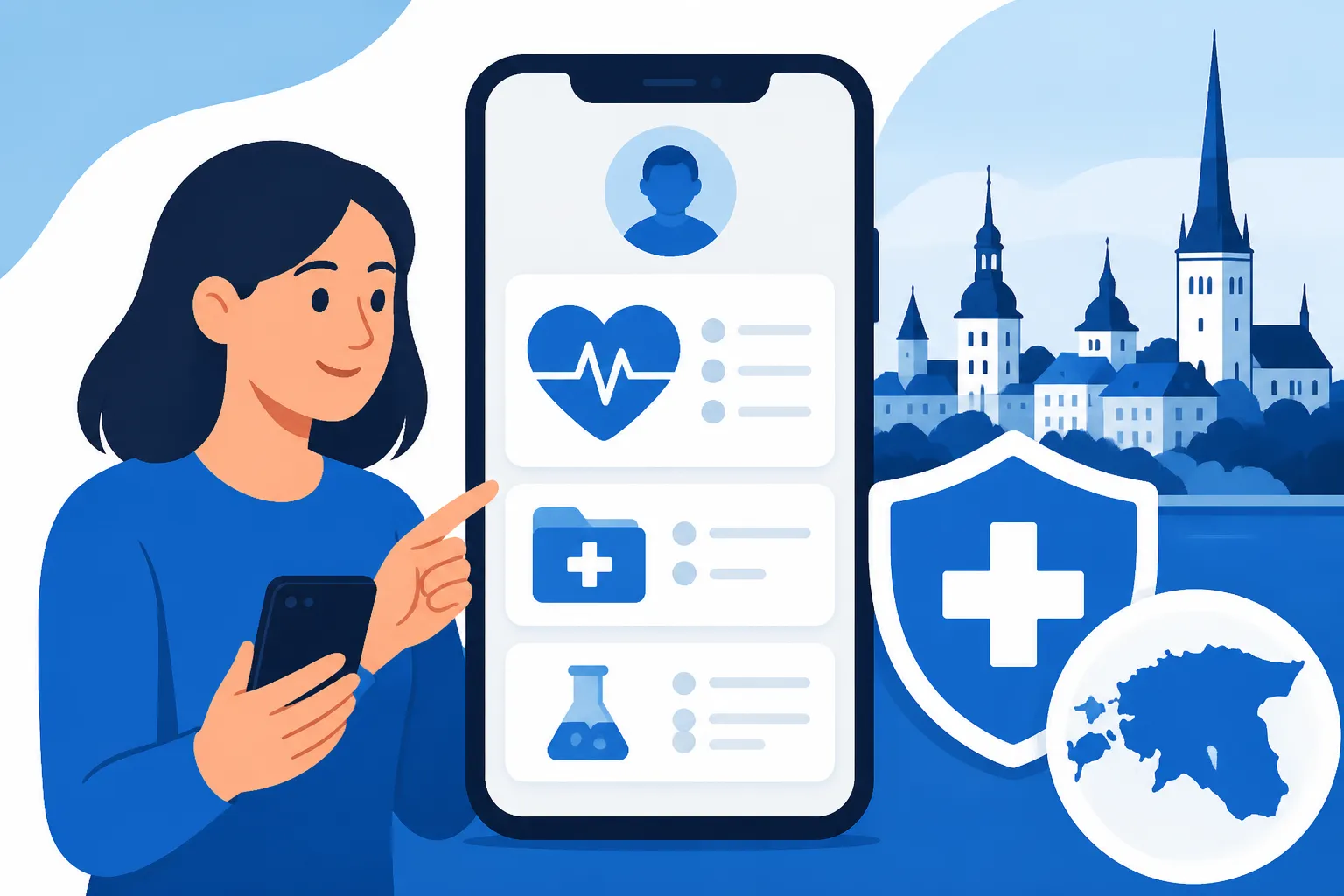
Estonia is famous for its digital infrastructure, but for an expat, the first few months are often spent in a state of administrative limbo. You hear about the digital health record, locally referred to as Digilugu, but finding the front door to this system can be a challenge. Essentially, the Health Portal (Terviseportaal) is the central hub where every doctor’s visit, every laboratory result, and every digital prescription is stored. It is a centralized database that belongs to you, but it is managed by the state.
When you first arrive, you might feel the weight of the paper medical files you brought from your home country. In Estonia, those papers are largely irrelevant once you enter the system. However, the transition can be bumpy. I remember my first visit to a specialist in Tallinn; I spent twenty minutes trying to explain my history in broken Estonian, only to realize later that if I had properly navigated the portal, the doctor could have seen my previous Estonian records with a single click.
It is important to note that until your residency is fully processed and your digital identity is active, you are effectively invisible to this system. During this waiting period, many expats find that private insurance is a lifesaver. Using a provider like SafetyWing can bridge the gap while you wait for your official documents to be issued, ensuring you have coverage before you can even log in to see a local medical record. Once you have your ID card or Mobile-ID, the world of Navigating Estonia's Digital Healthcare System: An Expat's Roadmap (2027) opens up to you.
Step-by-Step: How to Log In to the Estonian Health Portal
To access your records, you cannot just create a username and password. This is a high-security environment. You need a secure digital identity. Most expats use one of three methods: the physical ID-card with a card reader, Mobile-ID, or the incredibly popular Smart-ID app. If you do not have these yet, you are likely still in the process of How to Get Your Isikukood (Personal Code) and Why It Matters for Healthcare.
- Go to the Official Portal: The website you need is
www.terviseportaal.ee. You might see older links referring todigilugu.ee, but the country has recently migrated to a much more user-friendly interface called the Health Portal. - Choose Your Language: In the top right corner, you will see the options "ET," "EN," and "RU." Click "EN" immediately. While the translation is mostly excellent, some specific medical terms in your actual records might still appear in Estonian because they are written directly by your doctor.
- The Authentication Process: Click "Login." You will be prompted to choose your authentication method. If you are using Smart-ID, you will enter your personal code (Isikukood), and a code will pop up on your phone. Match it, enter your PIN1, and you are in.
- The Dashboard: Once logged in, you will see a summary of your recent activity. This includes your latest "Epicrisis" (the summary of a doctor's visit), your active prescriptions, and any upcoming appointments you have booked through the central system.
For those who are just visiting or have not yet registered their place of residence, you might be relying on your How to Use Your EHIC (Euroopa Ravikindlustuskaart) in Estonia for emergency care. However, the digital portal is reserved for those with a valid Estonian personal code. If you are a digital nomad or a long-term traveler without a local ID, a flexible plan from SafetyWing is often the best way to ensure you have medical support, as you won't be able to utilize the local digital prescription system easily.
What is Inside? Navigating Your Records, Prescriptions, and Referrals
The portal is divided into several logical sections. Understanding these can save you a lot of time when you are standing in a pharmacy or trying to remember when your next vaccination is due.
Digital Prescriptions (Digiretsept)
In Estonia, paper prescriptions are a relic of the past. When a doctor prescribes medication, they "send" it to your Isikukood. You can see all your active and expired prescriptions in the "Prescriptions" tab. This is incredibly helpful for checking dosages or seeing how many refills you have left. If you are unsure about the process of picking these up, you should read about How Do I Use a Digiretsept at a Pharmacy in Estonia? to avoid confusion at the counter. The system is so integrated that you can even see if a pharmacist has already dispensed the medication to you.
Referrals (Saatekiri)
If you need to see a specialist, like a dermatologist or a cardiologist, your family doctor (Perearst) must issue a digital referral. Without this, you will often have to pay the full private price for the visit. In the "Referrals" section of the portal, you can see if your referral is "active" or "used." This section also allows you to book appointments directly with certain hospitals that are plugged into the national booking system. For a deeper dive into this specific process, check out How E-Referrals (Saatekiri) Work for Specialists in Estonia.
Health Certificates and Declarations
Before you can get an Estonian driving license or a gun permit, you must complete a "Health Declaration" online. This is a long questionnaire about your lifestyle and history. Once you submit it, your doctor can then issue a "Health Certificate" digitally. This eliminates the need for carrying stamped papers to the Transport Administration. It’s all visible right there in your portal.
| Feature | What You Can Do Digitally | What Requires a Doctor |
|---|---|---|
| Prescriptions | View history, check remaining refills, see costs. | Initial prescription or renewal of controlled drugs. |
| Test Results | View blood work, X-ray reports, and MRI summaries. | Interpreting complex results or official diagnoses. |
| Referrals | Check validity and book appointments at public hospitals. | Issuing the referral based on medical necessity. |
| Vaccinations | View your entire immunization history in Estonia. | Administering the vaccine and recording foreign history. |
| Appointments | Cancel or reschedule public system visits. | Booking private clinic appointments (usually separate). |
Managing Your Family and Consent Settings
One of the most powerful features of the Health Portal is the ability to manage your children’s health records. As a parent, once your child is registered in the Population Register and linked to your Isikukood, their records will appear under your profile. You can toggle between your own view and your child's view in the top menu. This is vital for How to Register Family Members for Health Insurance in Estonia because it allows you to track their vaccinations and school health checks.
You can also grant "Representative Rights" to other adults. For example, if you want your spouse to be able to pick up your prescriptions or see your test results, you can authorize them directly within the portal's "Settings" or "Consents" section. This is a high-trust feature and reflects the Estonian philosophy that the patient owns their data.
Finding a doctor who speaks your language is a common hurdle when you first arrive. Many expats use the portal to see which doctor is assigned to them. If you are still looking for a practitioner, the guide on How to Find an English-Speaking Doctor in Estonia is an essential read. Even if your doctor speaks perfect English, the notes they write in your digital record will likely be in Estonian, so having a translation app handy while browsing your "Epicrisis" history is a pro-tip from one veteran expat to another.
Troubleshooting and Common Expat Frustrations
Even the most advanced systems have their quirks. A common complaint among foreigners is that they log in and find… nothing. If you just had a blood test an hour ago, do not expect it to be there immediately. While the system is digital, it still relies on laboratory technicians and doctors to "close" a case and upload the file. Sometimes this takes a few days.
Another issue is the "In Transit" period. If you have just moved and are still Understanding Health Insurance Waiting Periods for New Residents in Estonia, your portal might look empty or even deny you access until your data is fully synced from the Police and Border Guard Board. This is where private alternatives become important. If you have an accident during this black-out period, you cannot rely on the digital system to show a doctor your history. Keeping your own digital copies of records from home and having a SafetyWing policy ensures that the "system is updating" excuse doesn't leave you stranded and out of pocket.
Finally, the most annoying technical glitch is the login loop. This usually happens when your browser's cache interferes with the secure authentication. If you find yourself stuck on the login screen, try using an "Incognito" window or switching from the ID-card reader to the Smart-ID app, which tends to be more stable on mobile browsers.
Final Thoughts for the Tech-Savvy Expat
Accessing your digital health record is more than just a novelty; it is a fundamental part of living in Estonia. It empowers you to be an active participant in your own healthcare. Instead of waiting for a phone call from a busy nurse, you can see your cholesterol levels or your child’s growth chart as soon as the lab finishes its work. It takes away the "mystery" of medicine and replaces it with data.
However, do not let the digital convenience make you complacent. Always ensure your contact details are updated in the portal so your The Expat Guide to Finding a Family Doctor (Perearst) in Estonia can reach you if a result looks concerning. And remember, while the portal is fantastic for managing local care, it does not replace the need for comprehensive insurance. Whether it is the public Tervisekassa or a private supplement like SafetyWing, having your financial and digital bases covered is the key to a stress-free life in the Nordics.
Disclaimer
This guide is for informational purposes only and does not constitute medical or legal advice. The digital systems in Estonia are subject to frequent updates, and the procedures mentioned may change. Always consult with your family doctor (Perearst) or the Estonian Health Board for the most current official information. For insurance-specific queries, contact your provider directly.